
Articles ·
How to see all your subscriptions and when they renew
Streaming, apps, the gym, cloud storage: how much you pay per month and per year, with a reminder before every charge.
Netflix, Spotify, iCloud, a gym, an app you forgot you had. Each looks small, but together they add up to an amount we rarely know. And the charge always arrives on the day you weren’t expecting it.
On iPhone: App Store subscriptions
In Settings → [your name] → Subscriptions you see the ones you pay through Apple. Subscriptions paid by card directly to the service don’t appear there, nor does the gym, nor any monthly total.
With Chronos: all of them in one list
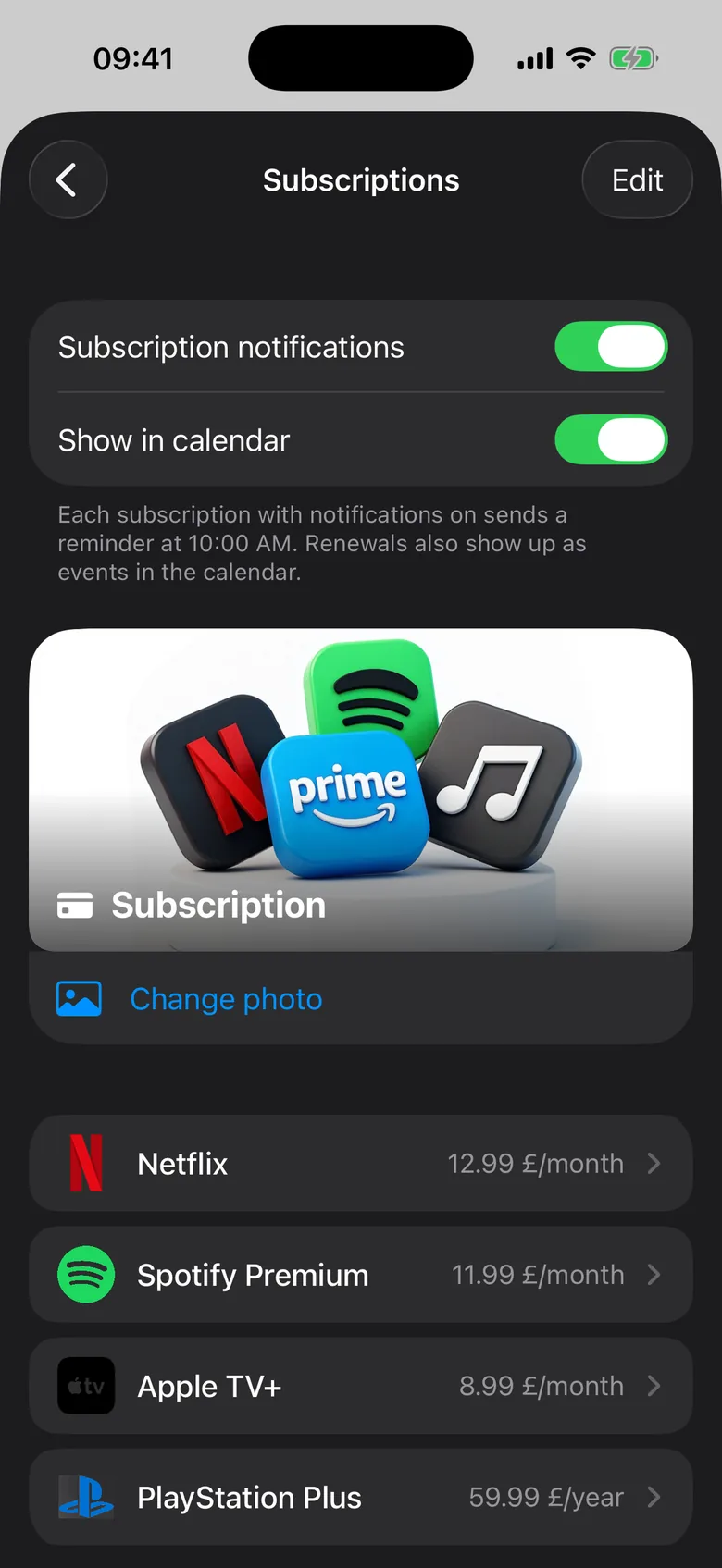
In Chronos, under Tracking → Subscriptions, you enter each subscription once: amount, currency, how often it’s charged and since when. Well-known services come with their logo.
- Totals: how much you pay per month and per year, and what share goes to each subscription.
- A reminder before the charge: for each subscription, choose how many days ahead you want a notification, from the same day to 30 days before. Handy for the ones you want to cancel before they renew.
- Renewals also appear in your calendar, next to your appointments.
- If something else is due the same day, such as your car service, you get one notification instead of several.
A small tip
To catch them all, open the last three months of your card statement and note every charge that repeats. You’ll usually find at least one you’d forgotten.